

I used Alfred for years and absolutely loved it. It was one of the first tools I installed on every Mac I owned. Whenever someone asked me about my setup, Alfred was always the first thing I mentioned. The clipboard manager, snippets, search, workflows… it completely changed how I used my computer.
About a year ago, I switched to Raycast.
This is not a criticism of Alfred. I still have a lot of respect for what the team built. In many ways Alfred introduced me to the entire concept of launchers. I know tools like Quicksilver existed before, but Alfred is what made that world accessible to me.
This is simply a personal reflection on why Raycast now fits my workflow better.
What is Raycast
Raycast is a productivity launcher for macOS and Windows.
It lets you launch applications, search for files, or quickly open browser bookmarks without leaving the keyboard. Very quickly though, it becomes much more than that.
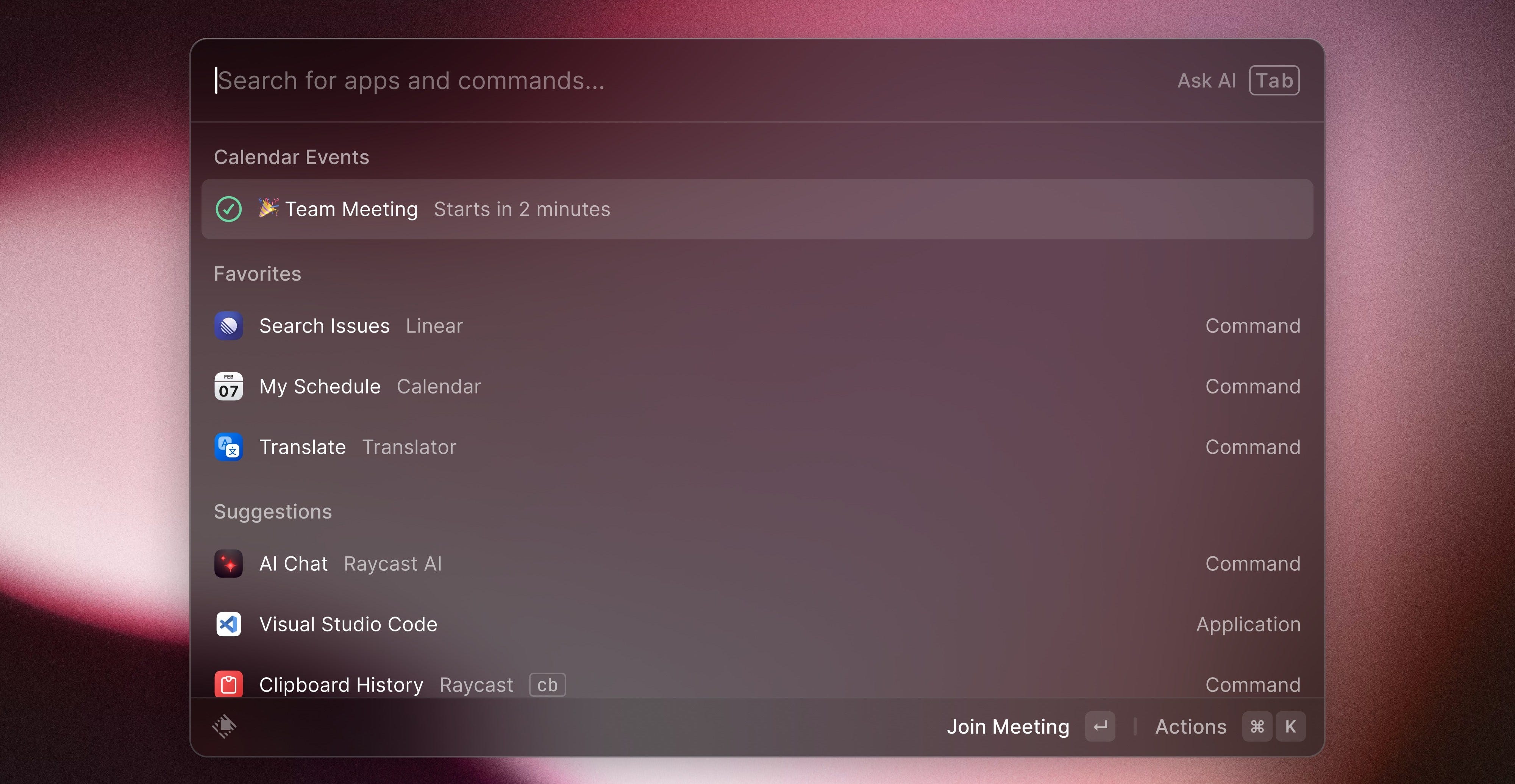
Raycast also includes small built-in tools that tend to become indispensable over time, like a clipboard history or snippets (Snippets are small pieces of text you can insert anywhere using a shortcut, which is very useful for repetitive writing).
Once you go a bit deeper, Raycast starts revealing more capabilities aimed at advanced users. You can create script commands, which allow you to run custom scripts directly from the launcher, or install extensions that add entirely new features.
These extensions can either be built privately for your own needs, or installed from the Raycast Store, where thousands of community extensions connect Raycast to different services, APIs, and workflows. Over time, this ecosystem turns Raycast from a simple launcher into something closer to a personal command centre for your computer.
The Alfred workflow ecosystem problem
One of the main friction points for me with Alfred was the ecosystem around workflows.
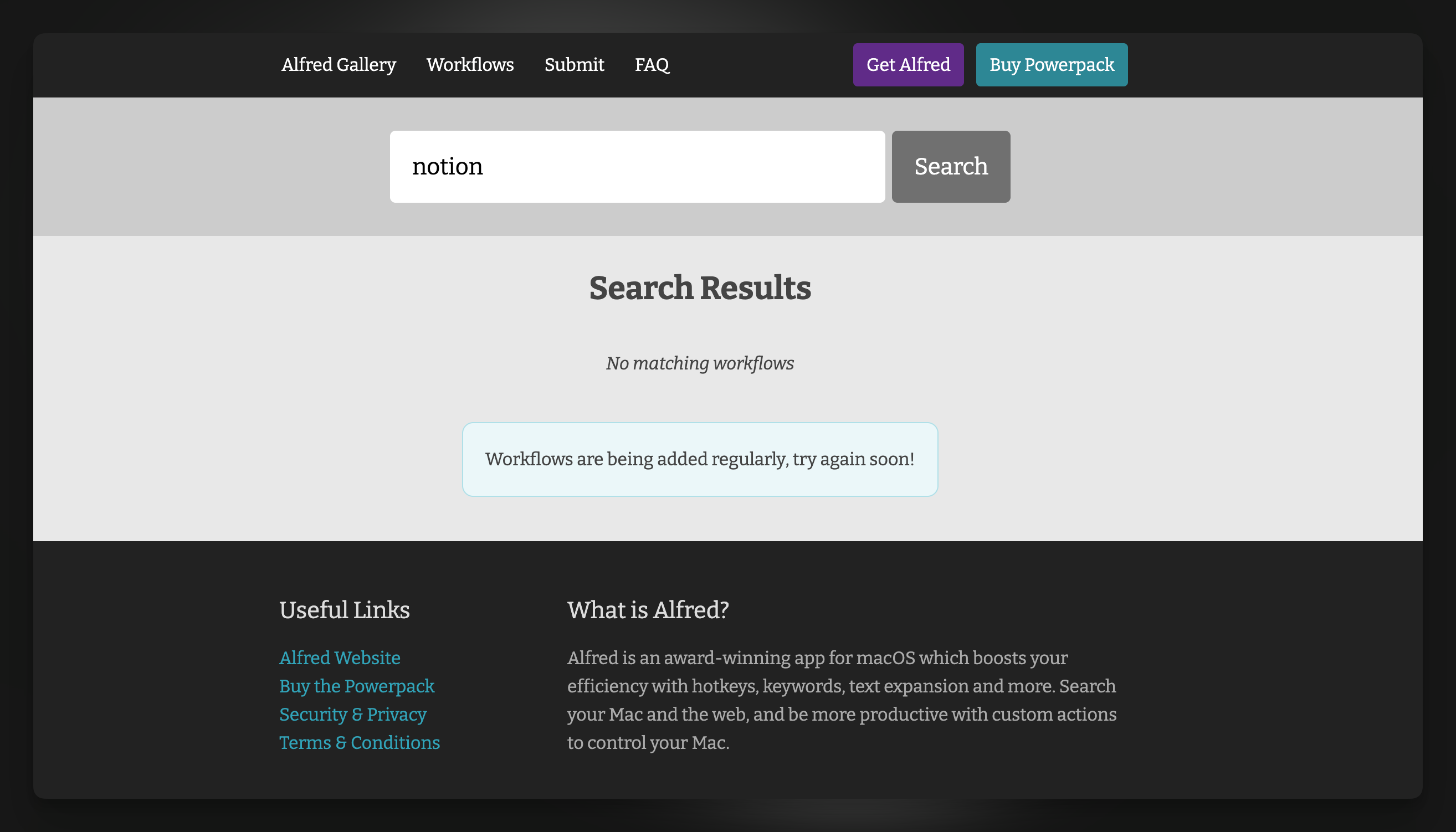
Originally, workflows were shared all over the place. Some were on forums, some on random websites. You often had to search manually to discover useful workflows. Installation and updates could also be inconsistent depending on where the workflow came from.
A store eventually appeared, the Alfred Gallery, which definitely improved things. But compared to what exists today in Raycast, it still feels fragmented.
Raycast approached this differently. Extensions live in a centralised store, with a clear installation flow, discoverability, versioning, and maintenance. There is also a team behind the scenes reviewing and maintaining the ecosystem, which improves quality and reliability.
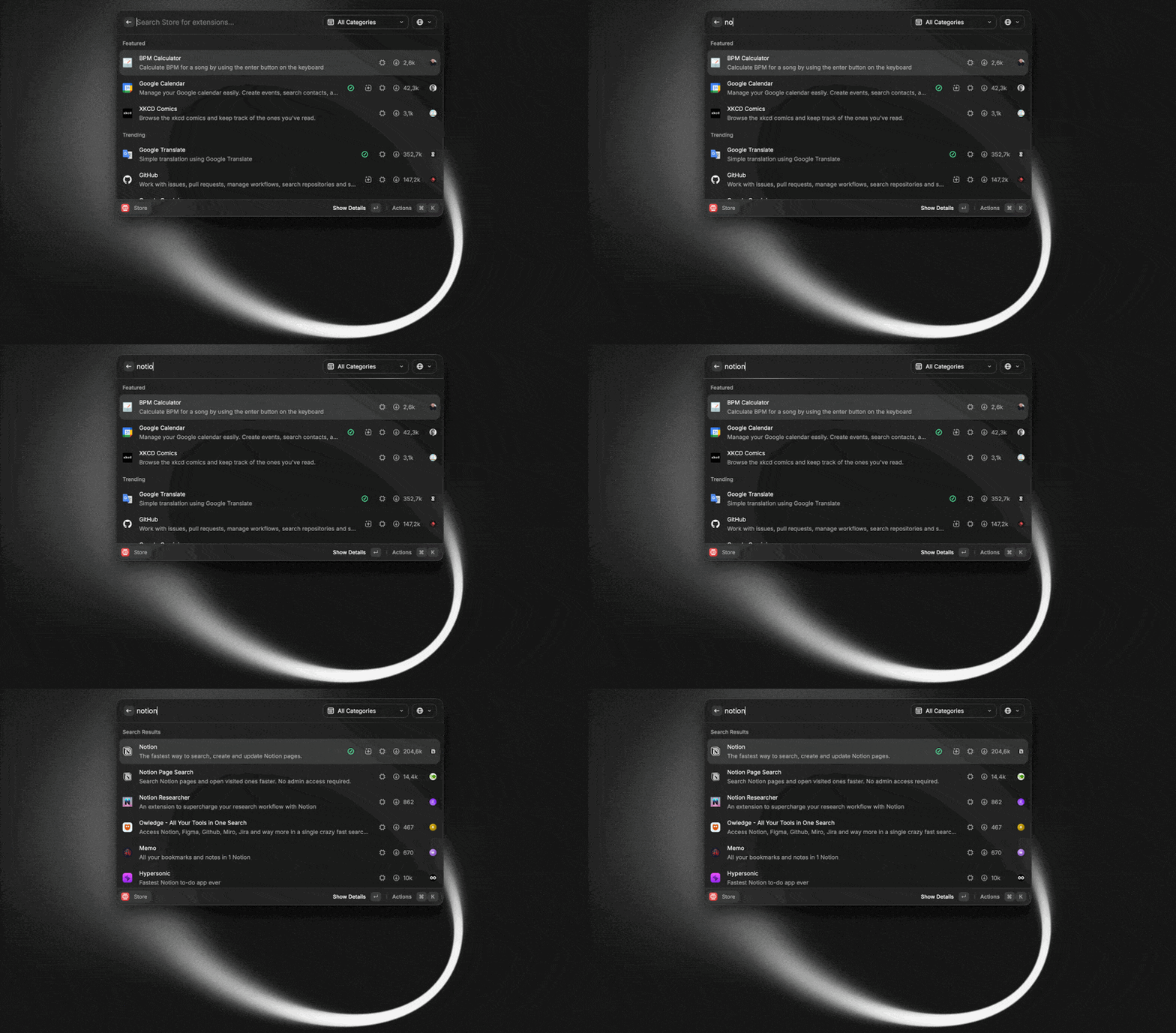
For me this makes a big difference.
Where Raycast really changed things for me
The biggest reason I stayed with Raycast is the extension system. Not just the public extensions, but the ability to build private ones.
I started creating small internal tools connected to APIs from my own business systems. And that significantly changed how I work.
For example, I have a weekly banking reconciliation process for my business. Before, I had to open my CRM, find each invoice, and manually mark them as paid via transfer or direct debit.
Now I have a Raycast command that connects directly to the CRM API. I can search an invoice from Raycast and mark it as paid in seconds using keyboard shortcuts.
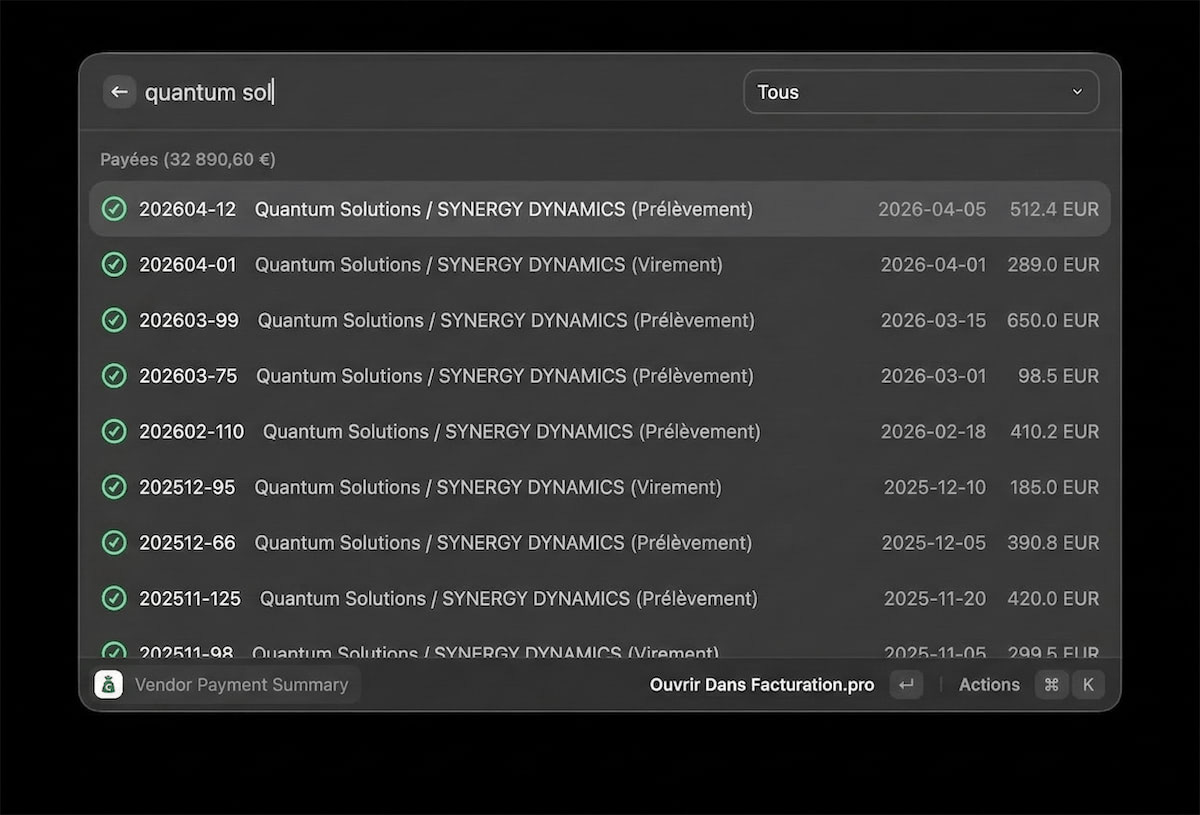
The difference in friction is huge.
Automations that live inside the launcher
Once you start going further with script commands and private extensions, that you can create with the help of tools like Claude Code or Codex, you can build extremely powerful workflows.
More broadly, we are entering an era where companies can use modern coding tools to create highly customised software experiences tailored to their exact internal workflows, which feels like a meaningful shift in how software is built and used.
For example I built a small system for unpaid invoices.
With one shortcut in Raycast I can:
• list all invoices unpaid after X days
• review the situation
• generate a reminder email for the customers, with all the details
All without leaving the launcher.
These are very niche automations tailored to my own workflows, but that is exactly the point. Raycast makes it surprisingly easy to build these kinds of tools.
The free tier is surprisingly generous
Even without the Pro subscription, Raycast provides a huge amount of value.
The main paid features revolve around AI. But the team made an interesting decision: you can bring your own API key.
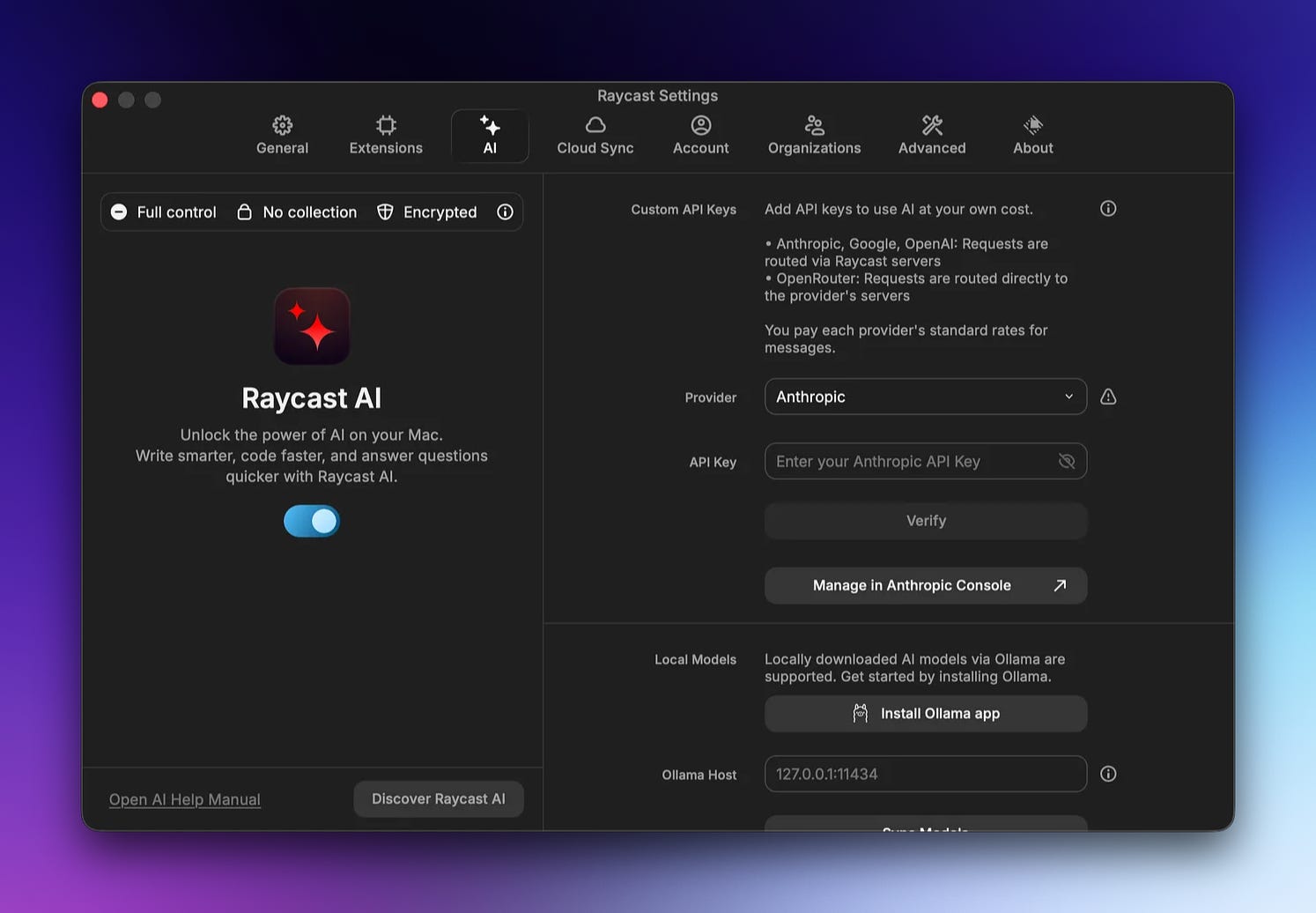
If you connect your own OpenAI or other LLM API key, you can access almost everything the AI features offer without paying for the Pro subscription.
The trade-off, of course, is that if you start making a lot of requests to expensive models, your API usage might end up costing more than the subscription itself. But at least the option exists, which I find quite fair.
The only real limitation in free version that remains is sync across multiple machines.
Venture capital and the Raycast debate
A topic that often comes up in discussions about Raycast is venture capital.
Some people are worried because Raycast is VC-funded and therefore under financial pressure to monetise.
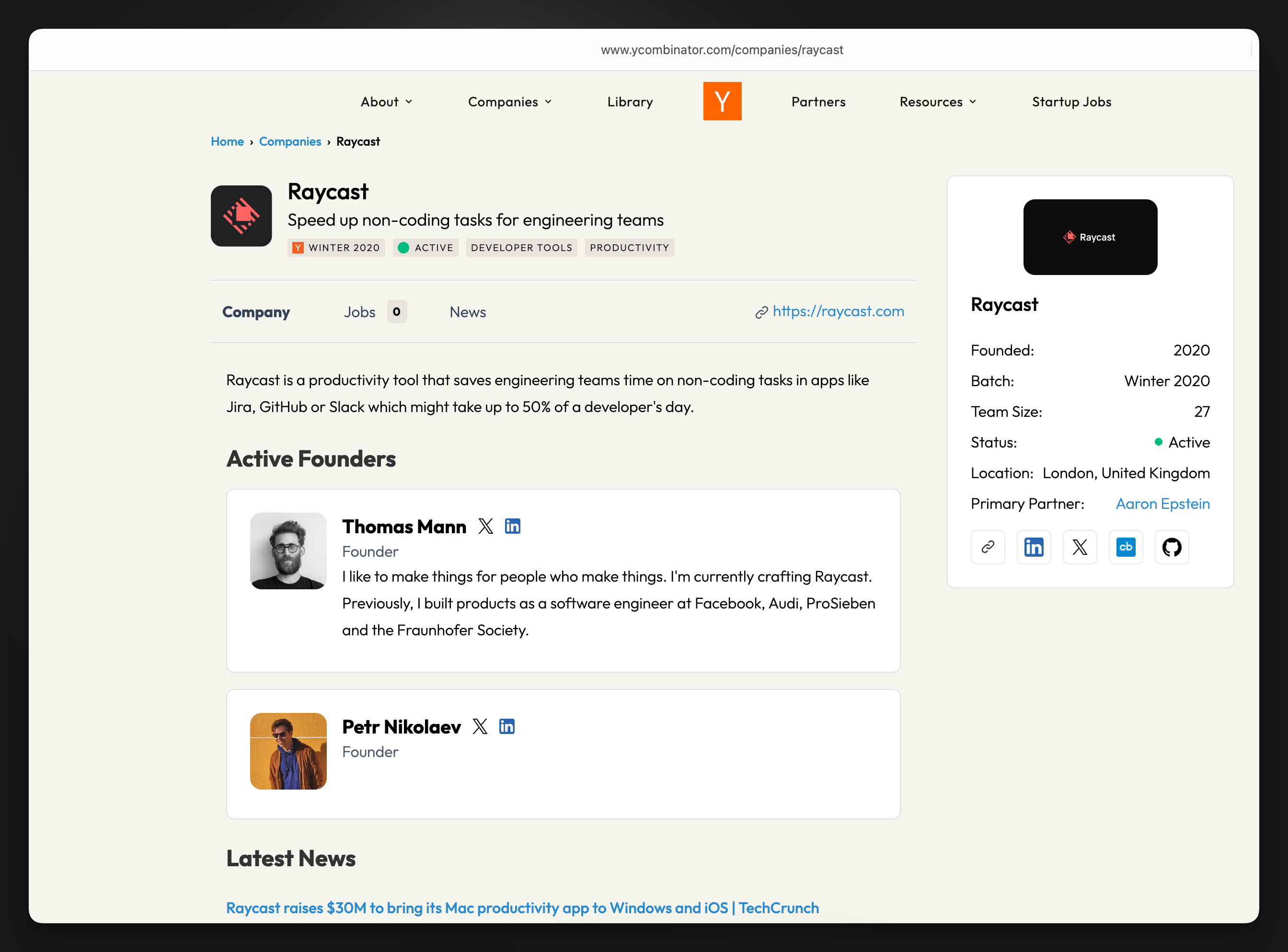
I understand the concern. But at the same time, venture capital is also what allows ambitious products to exist in the first place.
Raycast is not just a technical launcher. There is a whole team behind the product: people designing the extension system, maintaining community extensions, reviewing submissions, improving UX, and pushing the product forward.
That kind of product development requires resources. And what Raycast offers for free today is already quite remarkable.
The hype
One thing I sometimes find slightly frustrating with Raycast is the marketing.
Their “hype team” does an incredible job building excitement around the product. Maybe a bit too good.
Sometimes announcements come very early, which creates long periods of expectation. For example, they teased the next Raycast Mac update several months ago with a video, and people have been waiting ever since.
When you build that kind of anticipation, delays can easily turn into disappointment.
Personally I also feel that, at times, the tone on social media can become a bit exaggerated. The goal is often to create excitement and a sense that something big is coming, which naturally generates a bit of FOMO in the community.
Personally I prefer when companies announce things closer to release, in a more subtle way.
But I can I also recognise that building a narrative around a product is important. Vision matters. It just sometimes feels a little over-hyped
Thoughts about Glaze
Raycast recently announced Glaze, which allows people to build Mac applications.
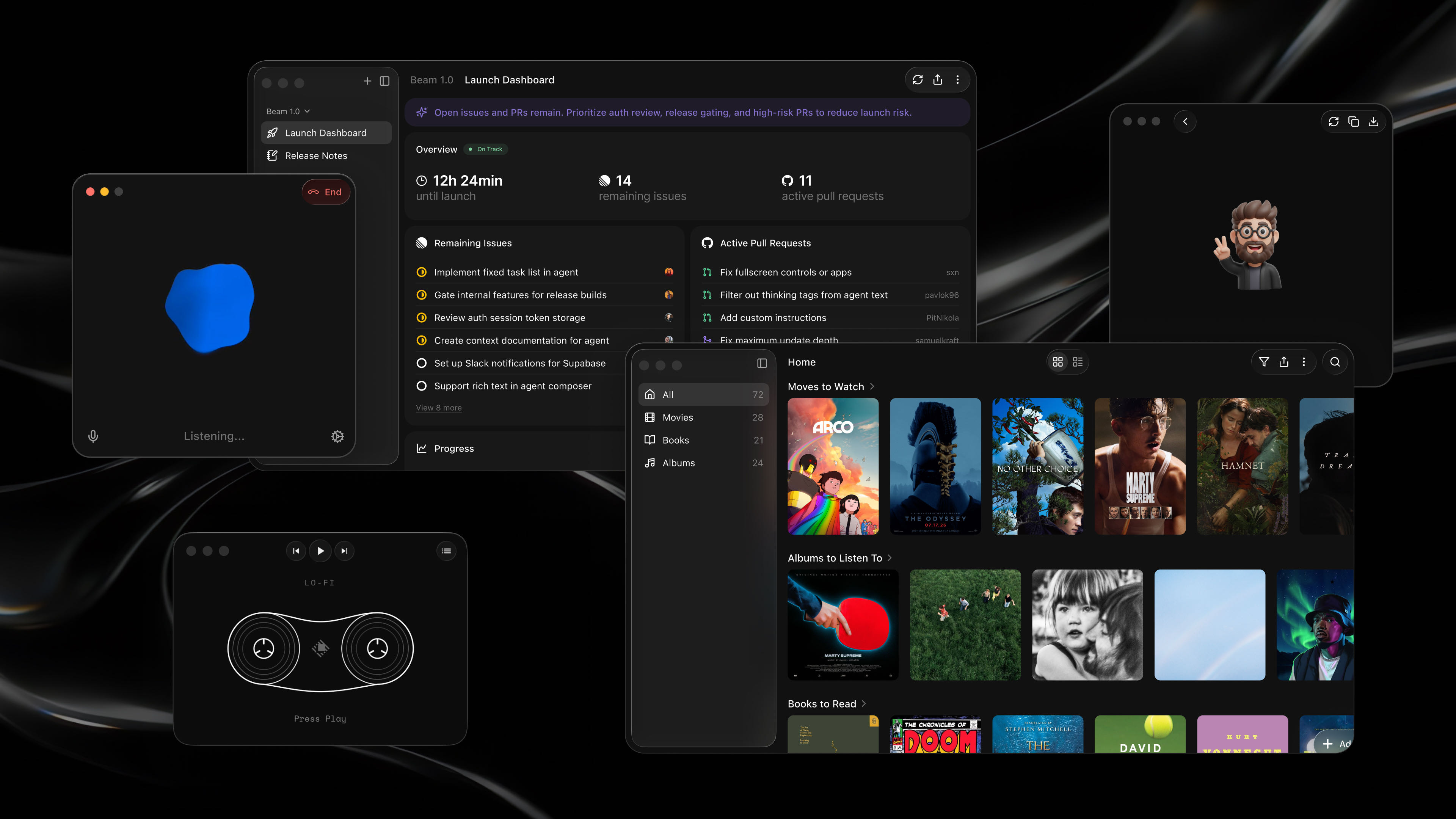
I find it interesting, but I also feel slightly conflicted. On one hand, I love seeing them innovate. On the other hand, Raycast originally had a very clear philosophy: avoid traditional apps and bring everything into a single fast interface controlled by the keyboard.
Glaze seems to move back toward separate native applications with their own interfaces.
Personally I use very few traditional apps, so I am curious to see how this evolves. Here is my current dock :
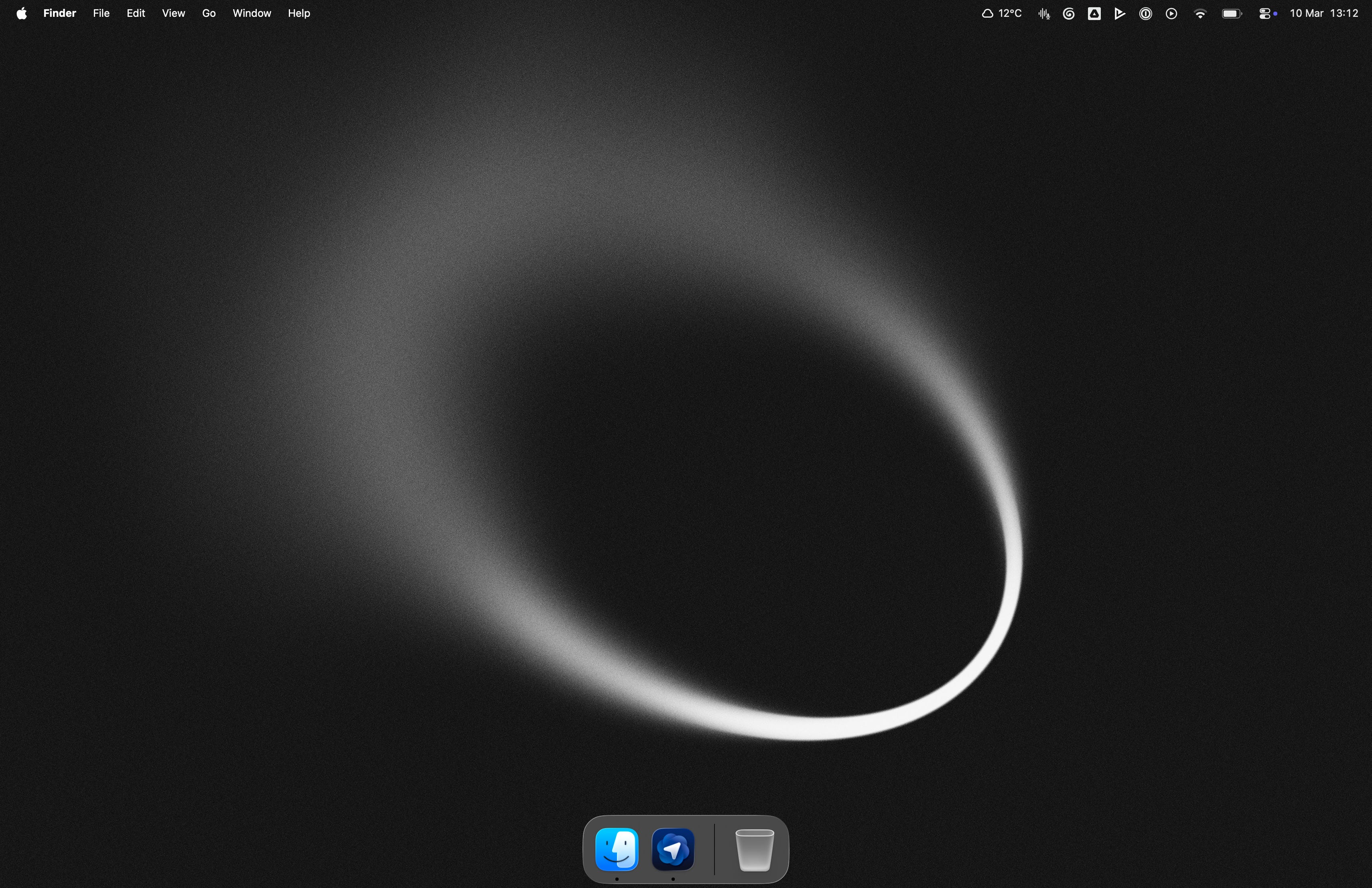
Part of me wonders if it might have been interesting to expand the UI capabilities of extensions instead. Right now extensions have limitations in how they can display complex interfaces.
If extensions could support richer UI, we could build much more powerful tools while still staying inside the Raycast interface.
Maybe Glaze will complement that vision. Time will tell.
Final thoughts
Again, this is not about Alfred vs Raycast.
Alfred remains an incredible tool and it played a huge role in how many of us discovered launchers in the first place. For my current workflow though, Raycast fits better.
The extension ecosystem, the developer experience, and the ability to build custom internal tools directly inside the launcher have made it an essential part of how I work every day.
In a future article, I’ll probably walk through my full workflow for building private Raycast extensions for my own business, from start to finish. If that sounds interesting, feel free to subscribe so you don’t miss it.
I’m very curious to see where the Raycast project goes next, and I’m excited to see what the team builds in the coming years. They’ve already created something remarkable. It’s not easy to design a tool that becomes such a central part of people’s daily workflows, and the Raycast team clearly deserves a lot of credit for that.